The Virtual TI83 is a calculator that runs on Windows computers. It is a great tool for instructing students in the use of the calculator because students can follow the mouse pointer as the buttons are pressed.
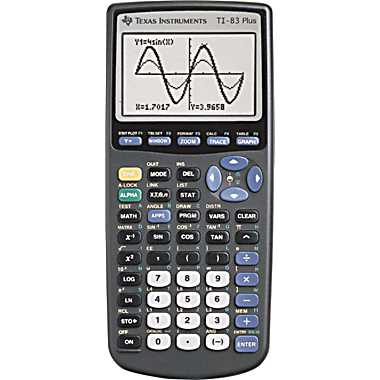
Download the following file.
https://www.dropbox.com/s/av08smbobtvsr43/vti83_jc_full.zip
Extract vti83_jc_full.zip into a new directory. The new directory will contain these three files.
83PBE_v112.rom
ti83plus.skn
vti83.exe
Execute the last one, vti83.exe. It will behave like a real TI83 and you will have to turn it back on if it turns itself off. To turn it off, right click the calculator and select exit.
The right-click menu contains a number of options including:
Emulation options – change the size of the calculator on the screen
Exit and save state – saves what is currently in memory
Exit without saving state – does not save what is currently in memory
When “Exit and save state” is selected, a file named 83PBE_v112.sav is created. If you want to start from a clean slate, instead of clearing the calculator memory, delete this file.
A manual for the TI83 can be found at http://education.ti.com/guidebooks/graphing/83p/83m$book-eng.pdf.
 After Math 7